
Now that you have signed up successfully on Mineler, an email would have been sent to the email address of your choice.
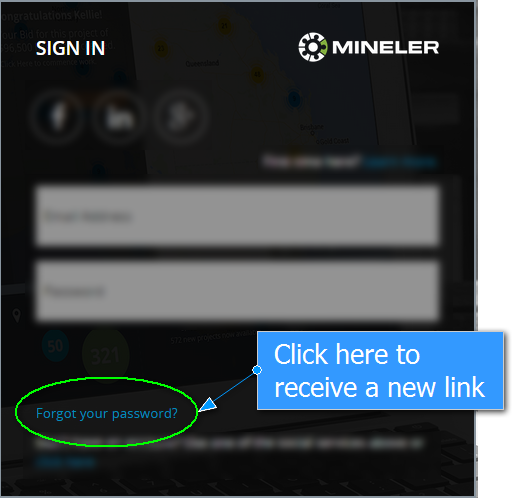
If you have not received an email in your inbox, check your spam folder or use the Forgot Password link on Mineler:
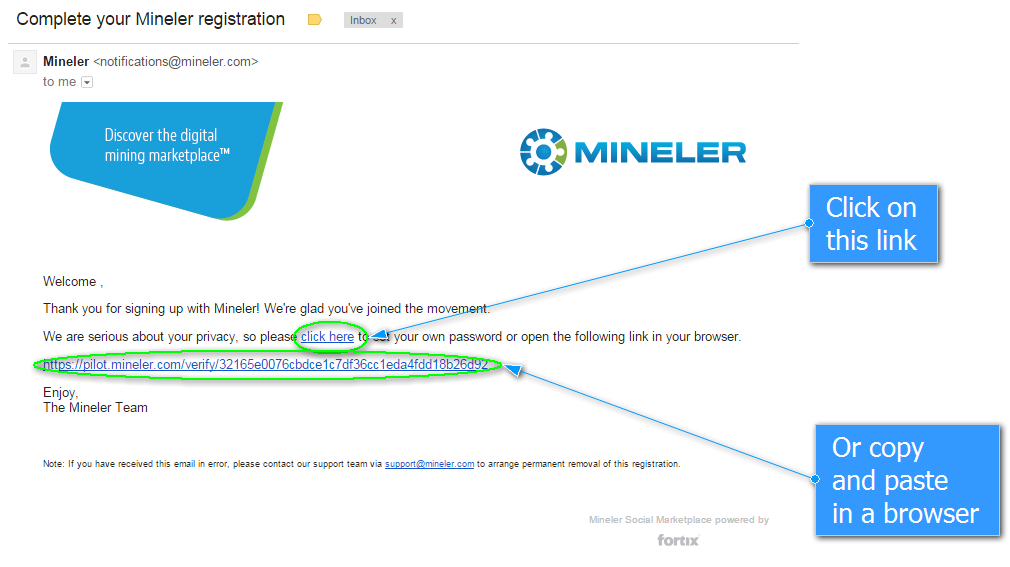
Make sure that you finalise your Mineler profile by either clicking on the link provided OR by copying and pasting it into a browser window:
You will be redirected to a Mineler screen requesting for a new password to continue.
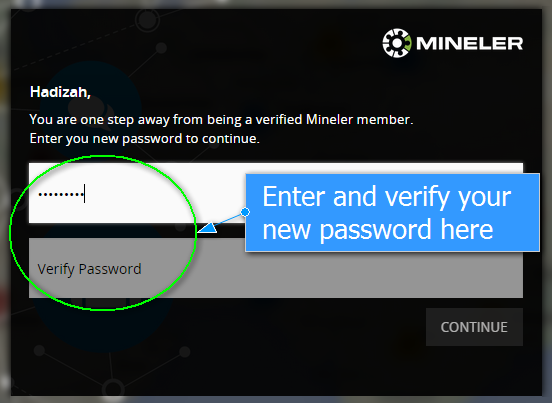
Once you have confirmed your new password, you can continue using the Mineler app.