
Add value to your experience!
This is how to do it:
1. Go to the Experience dashboard

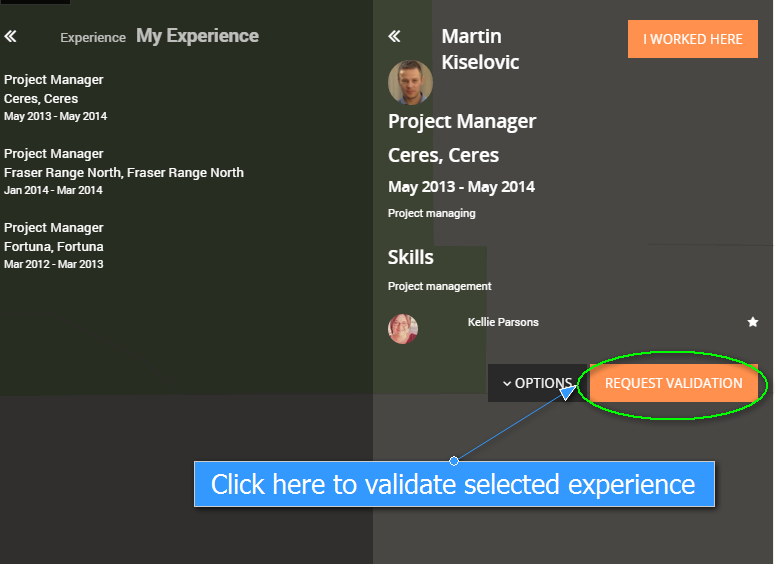
2. Click on My Experience and select the relevant one

3. Click on Request Validation
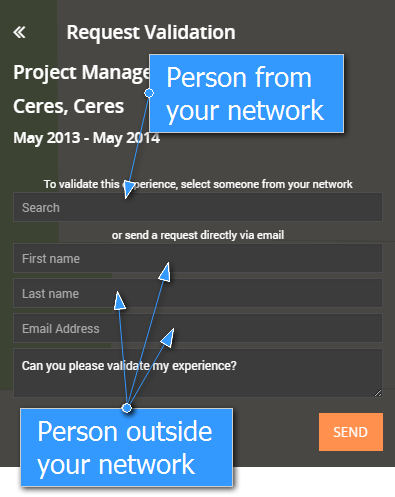
4. Choose someone from your network OR email this request
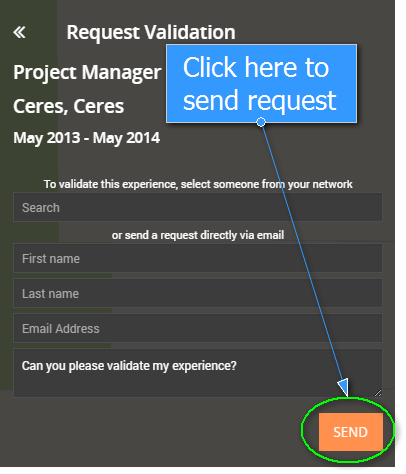
5. Click on Send
Once the experience is validated by the person you will see the person under the detail of the experience
