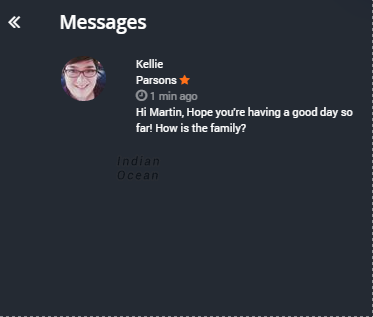
Communicate with people using direct messages
To send a contact a message, follow these steps:
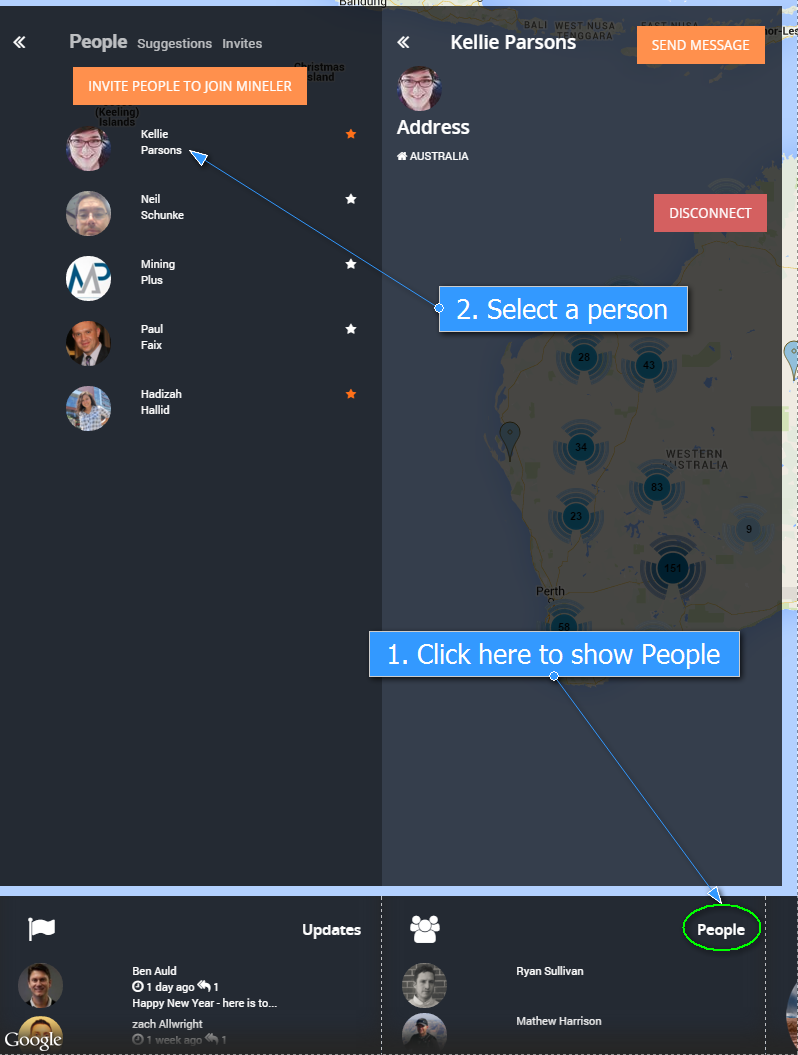
1. Click People on the Dashboard and find a person you would like to send message to.
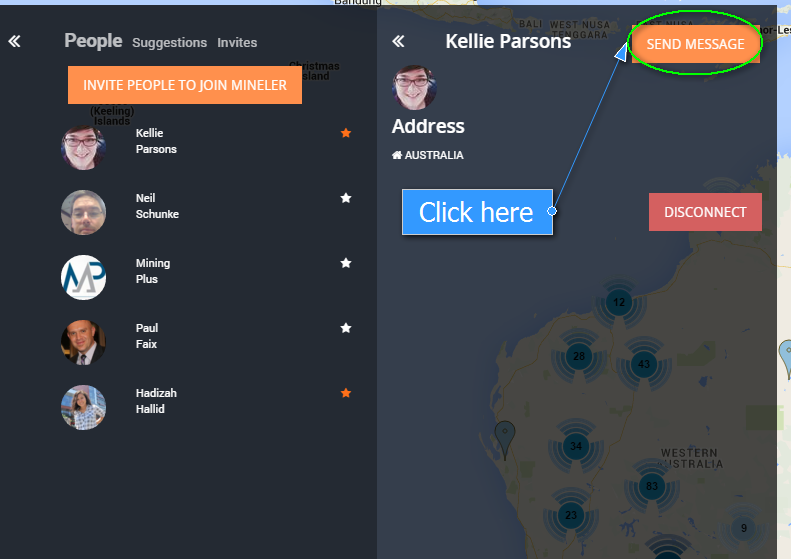
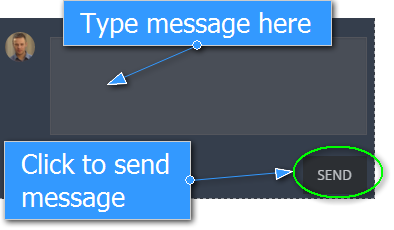
2. Click “SEND MESSAGE” and a dialogue window for sending a new message will be shown.
To check if you have any unread messages from people in your network just :
1. Select your name in the top right hand corner.

2. Click Messages.
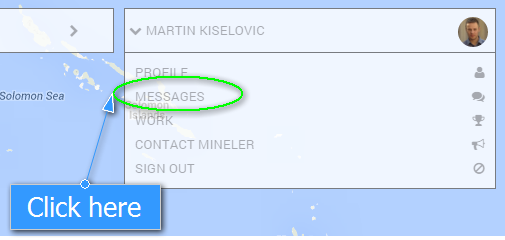
3. A list of messages will be displayed