Share your experience with everyone!
It only takes a few steps to do:
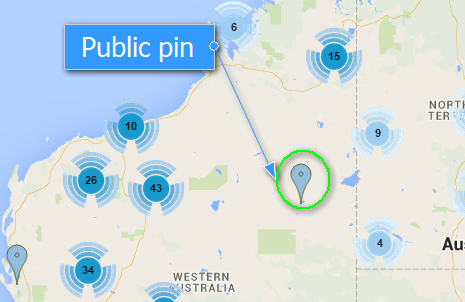
a) Find a blue public pin if you want to add experience on an existing project and click on it.
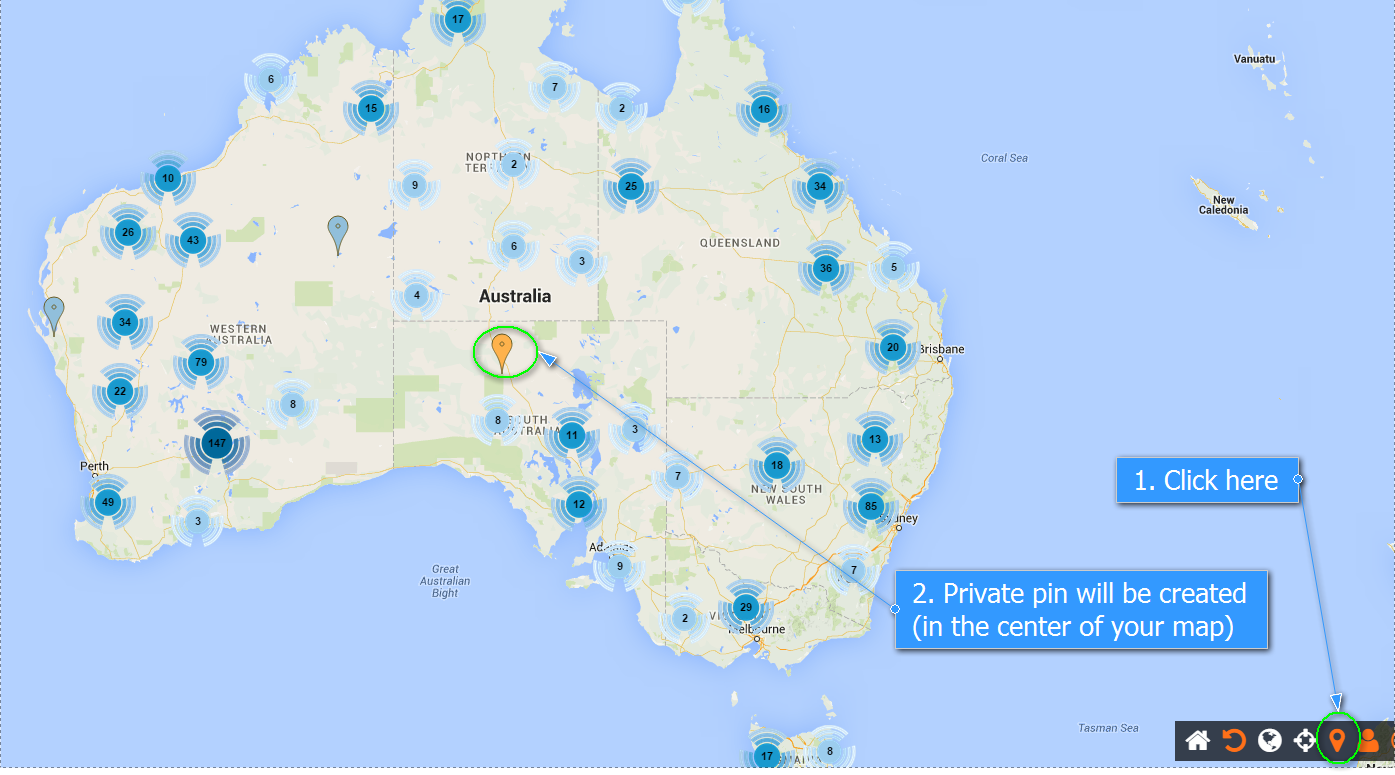
b) OR drop your own pin if you want to create a new project where to add your experience (Pin icon in the bottom right corner).
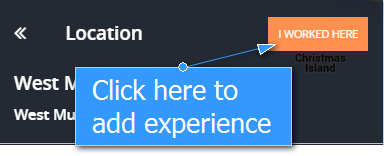
a) Click on “I WORKED HERE” (public pin).
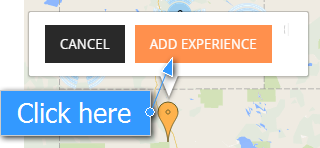
b) Click on the pin that you dropped on the map and select “ADD EXPERIENCE” (private pin).
Type in the Company Name, Position Name, From and To dates.
(Autocompletion available if the company is already on Mineler)
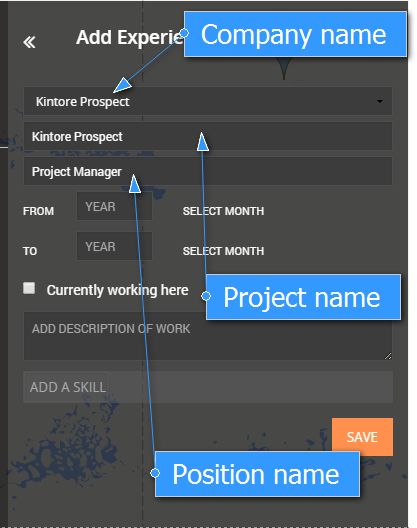
(Autocompletion available if the position is already on Mineler)
Add Skills to this experience.
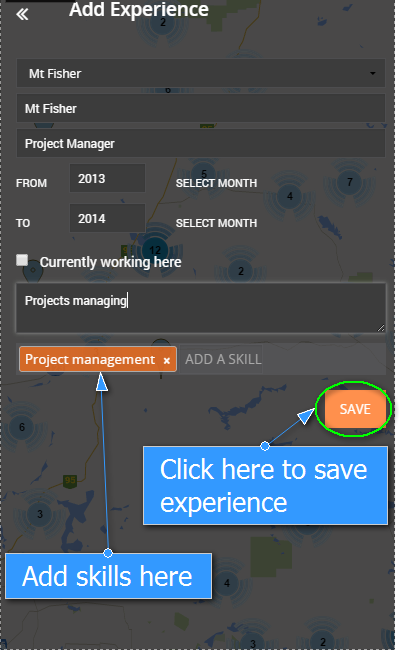
(Autocompletion available if the skill is already on Mineler)
Click Save.
Perfect! The experience has been added to your profile.
P.S.
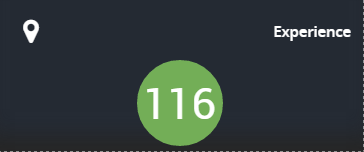
The green circle with a white number in the middle indicates the current level of experience achieved by you and the people in your network.