
Posting updates is sharing ideas so go for it!
Go to the Updates dashboard.
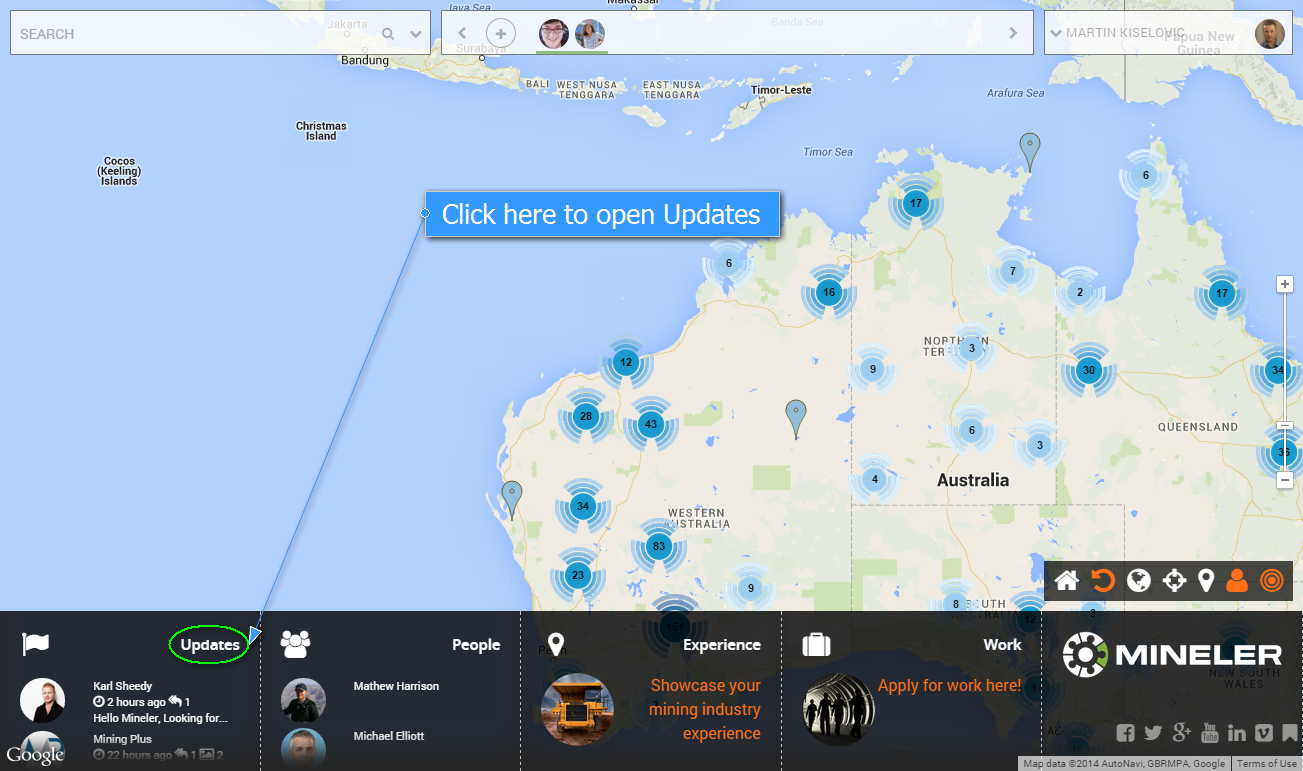
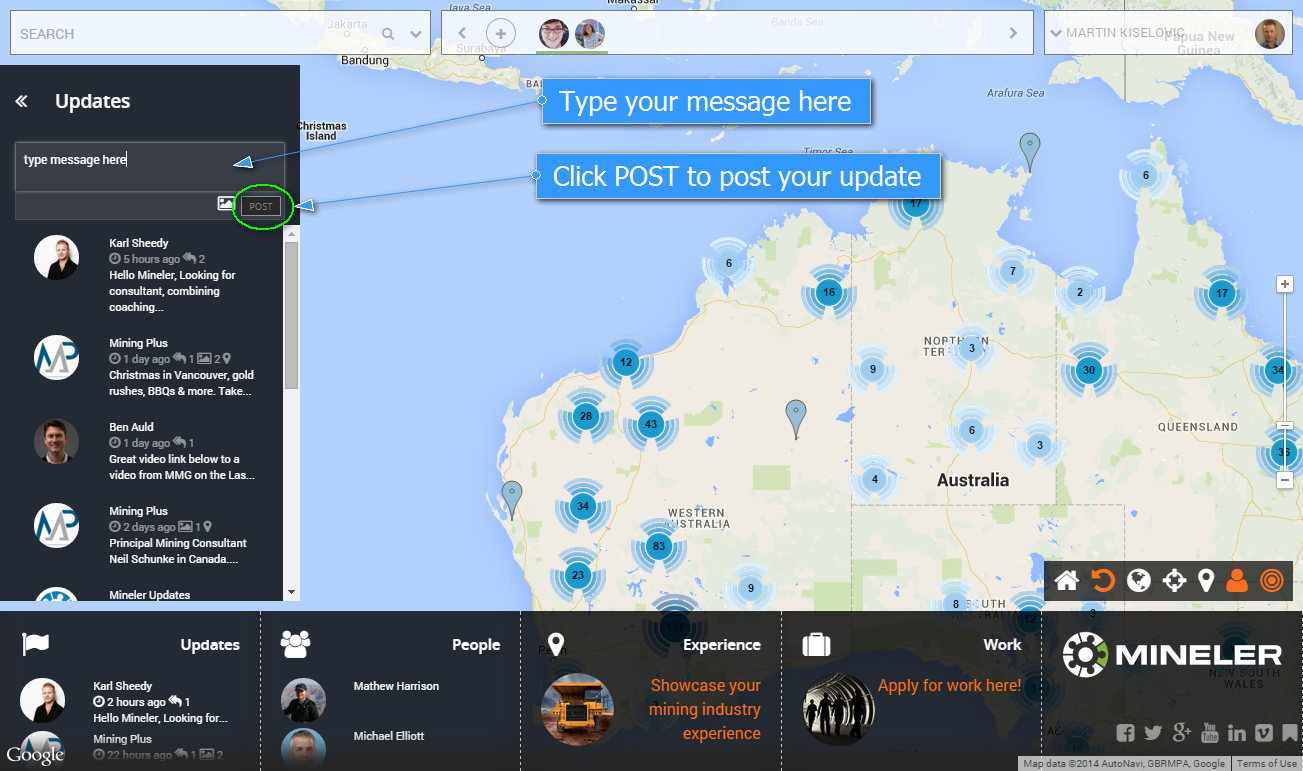
Type in a message, click Post.
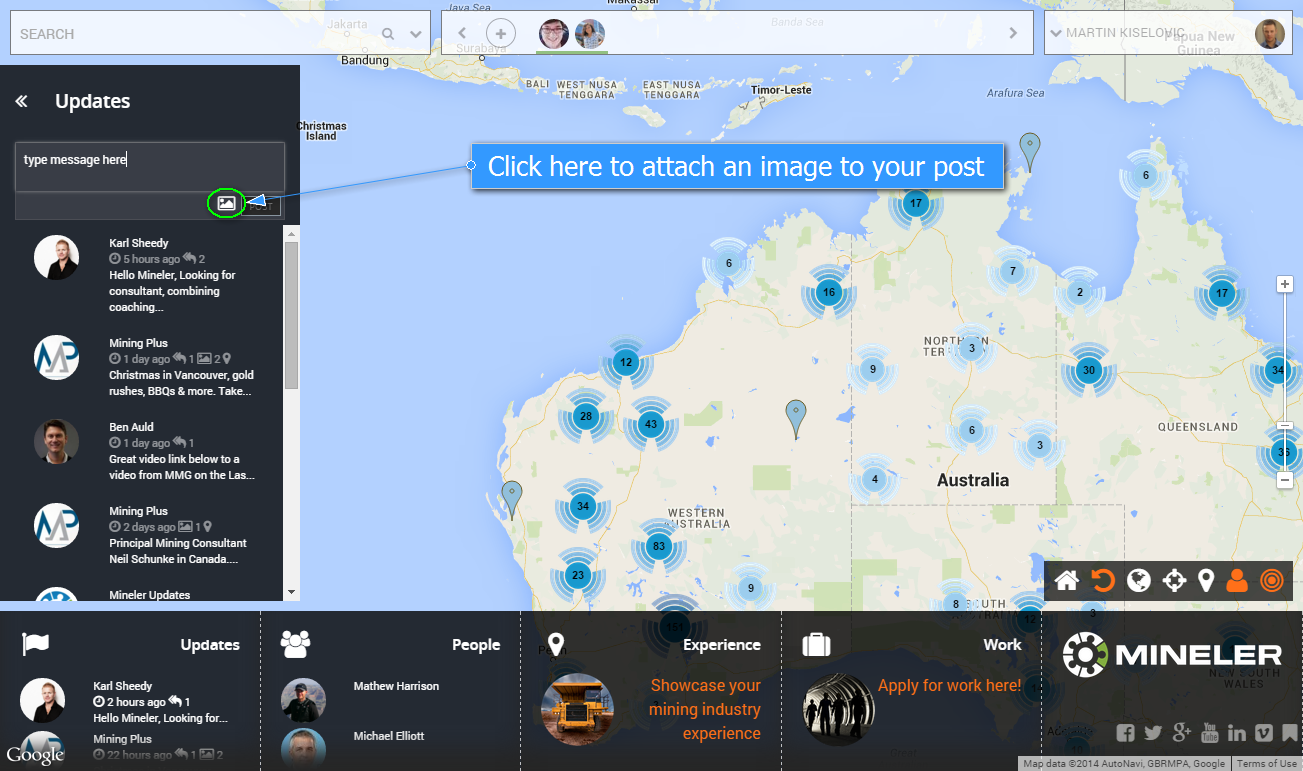
To upload an image, click on the image icon.
Choose an image.
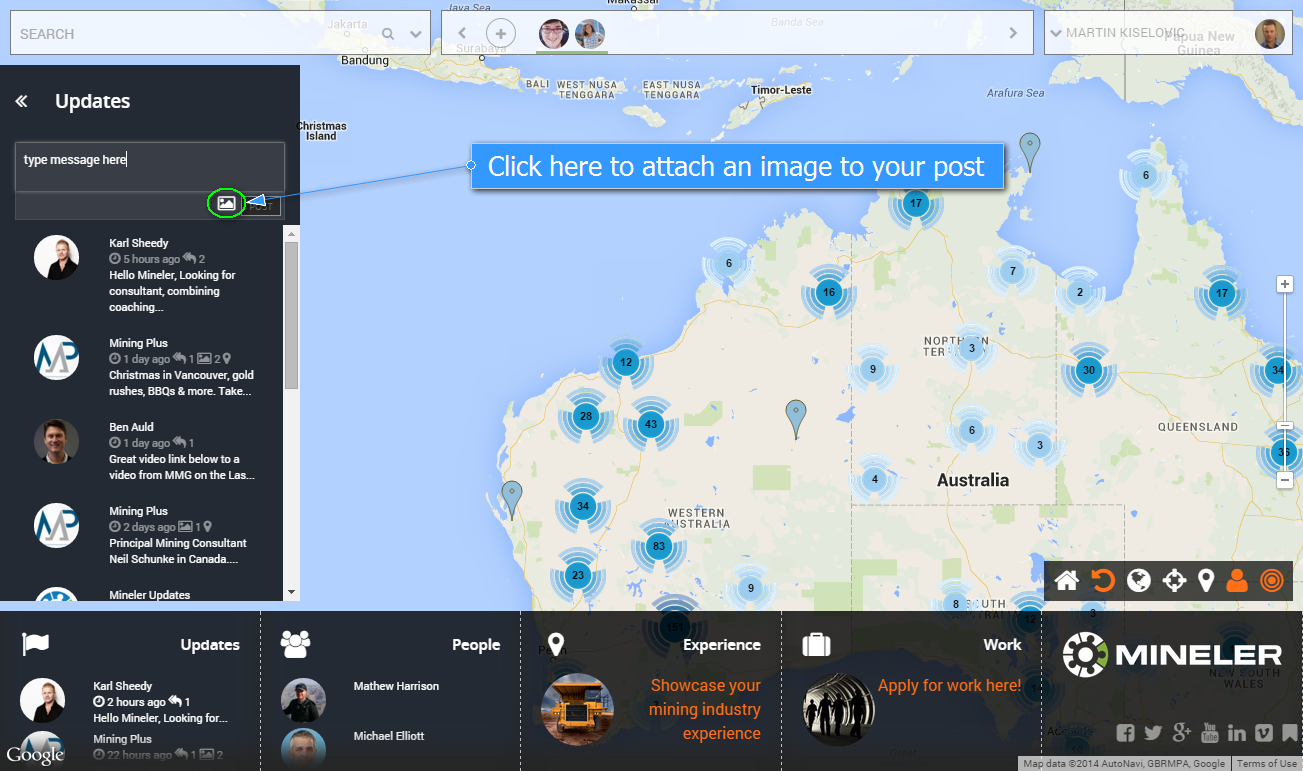
Once an image is chosen it gets attached to the post.
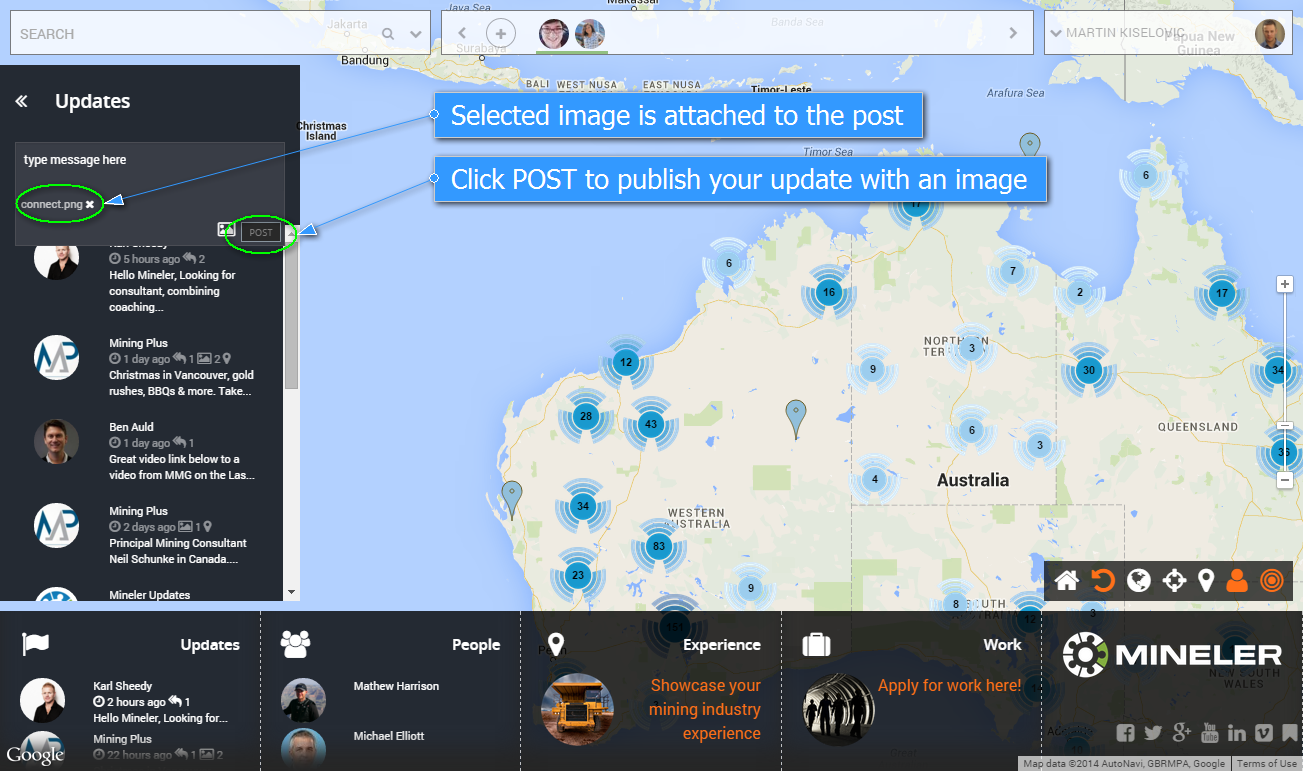
All posts are public.
You can also reply on updates already posted.
Click on a update in a list that you want to reply to.
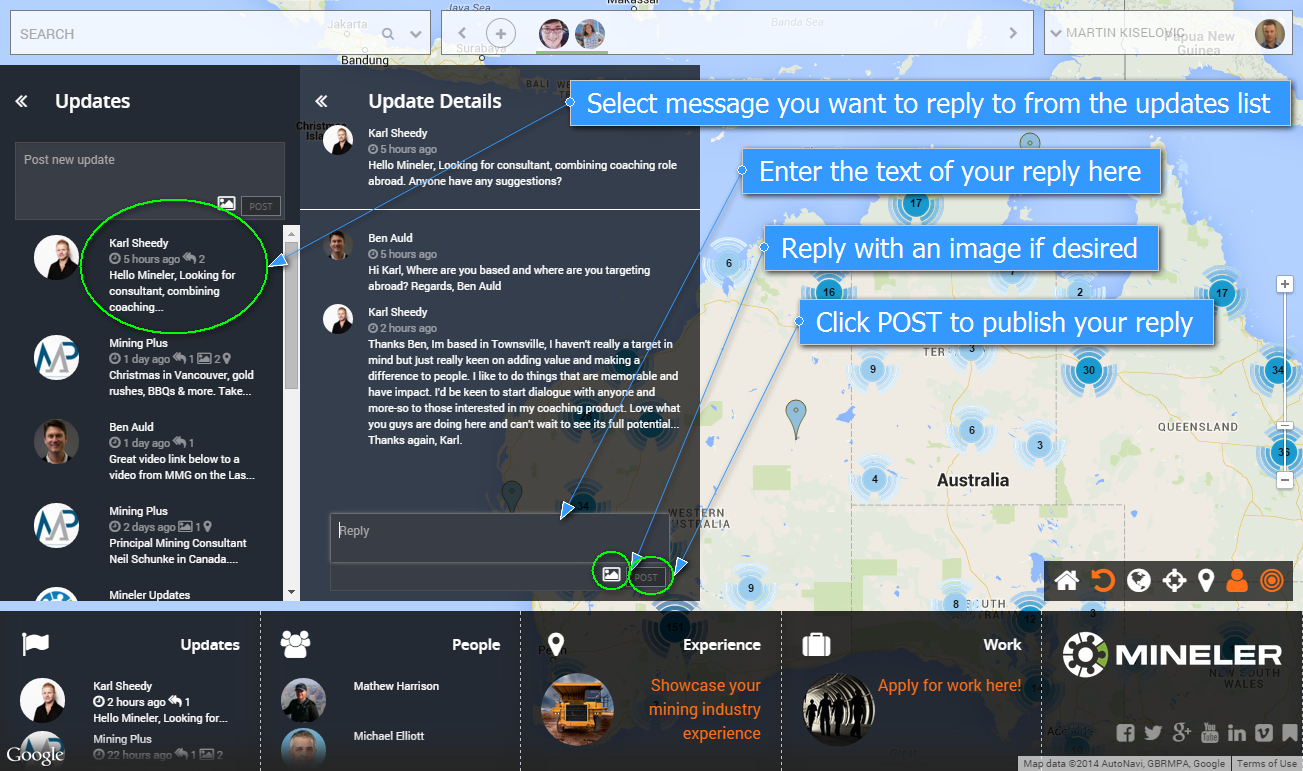
Type in a message and attach an image if desired and click “POST”.
Guess what, you can even post updates on locations!
Click on a pin that you would like to post update on.
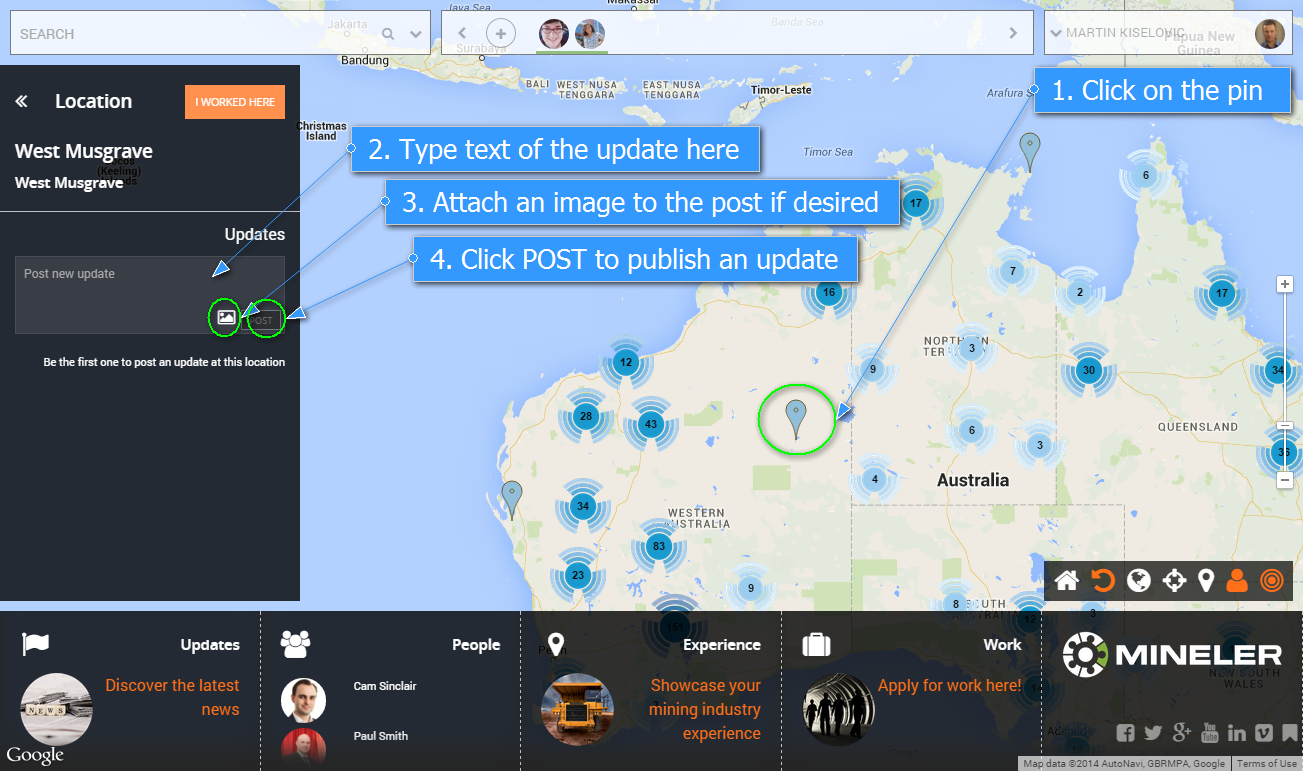
A dialogue window will be shown where you can type in your message and attach an image if desired.
Happy posting!