Get recognised by uploading your photo!
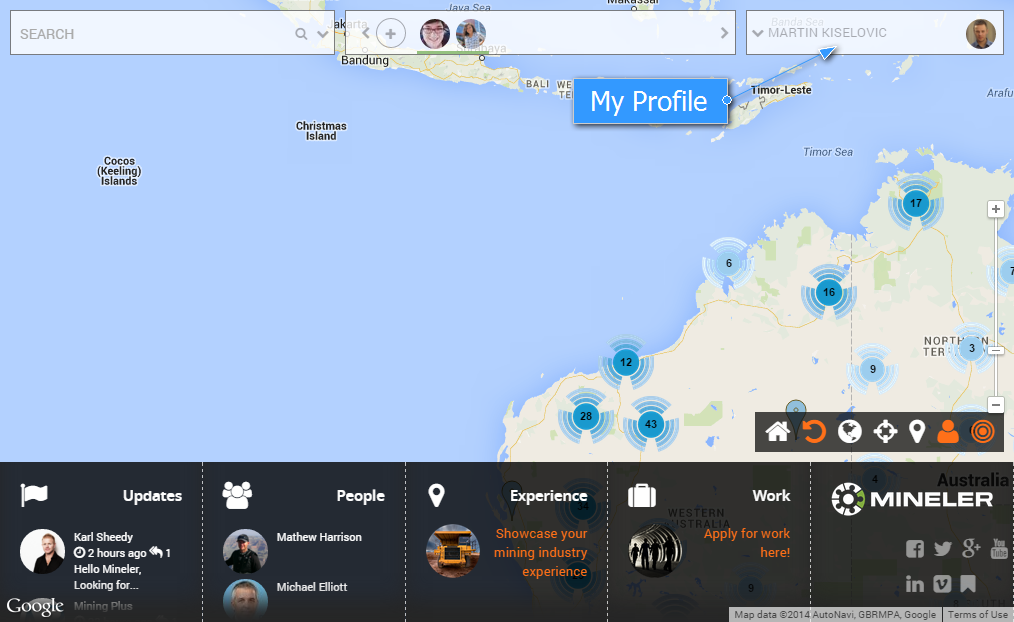
Click on your name at the top right of screen.
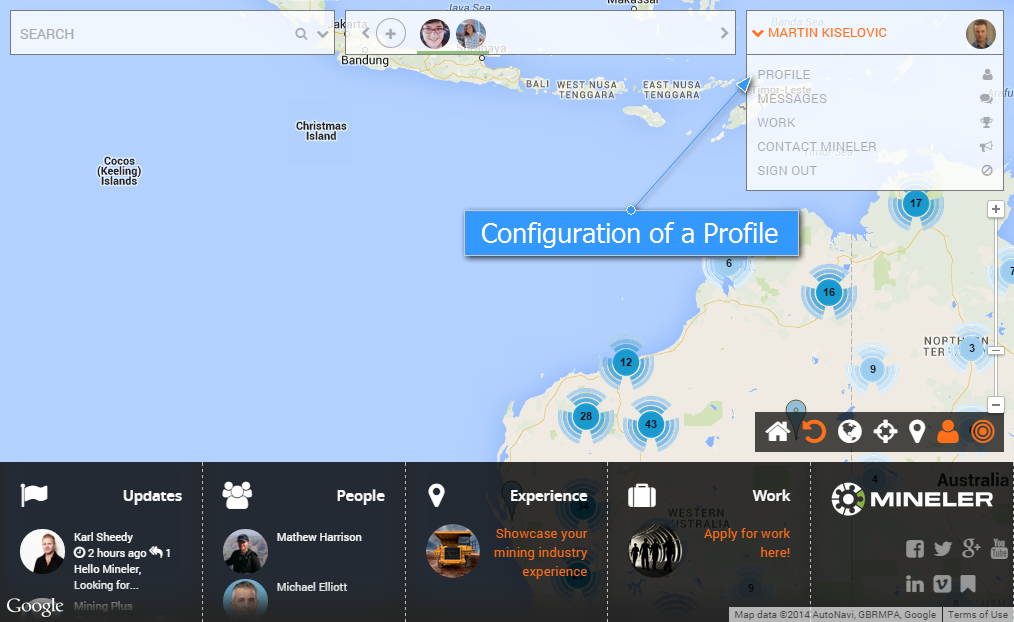
Select Profile.
Click on the circle.

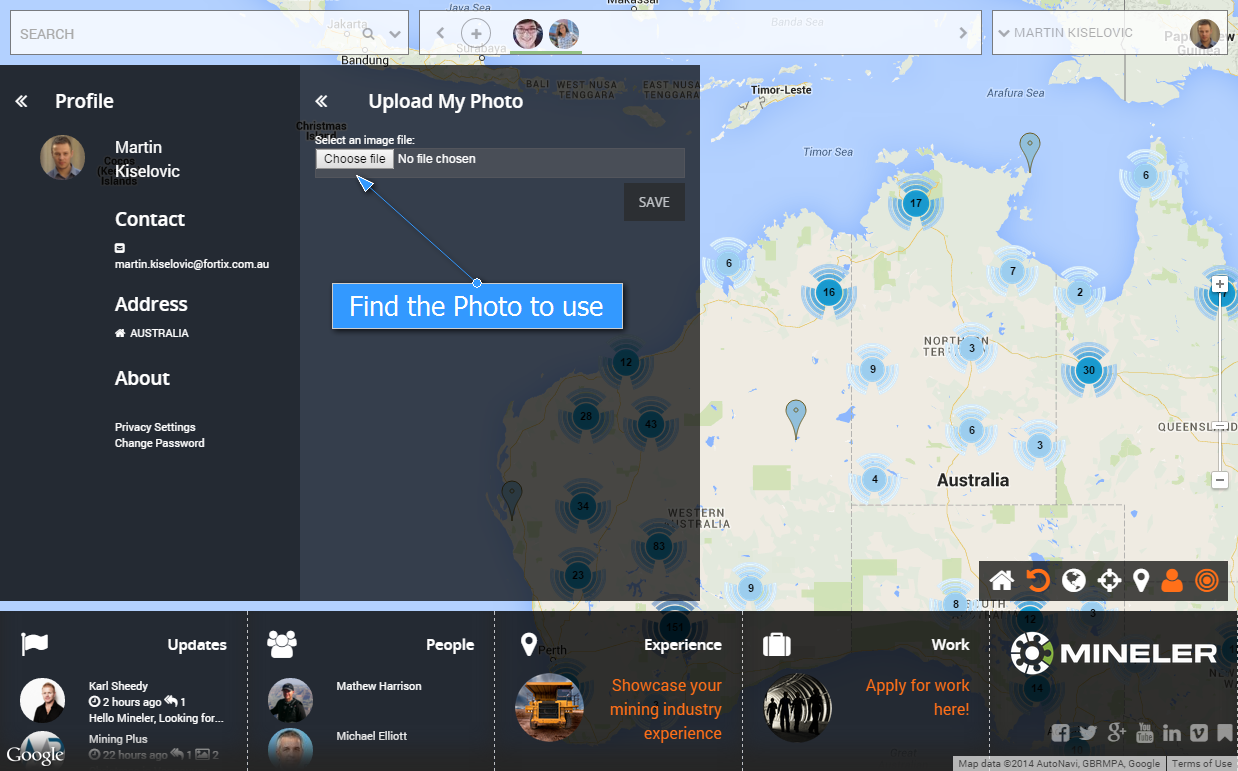
Click choose file and locate the file to be uploaded and click save.
Congratulations! Your new photo is public now.

Click on your name at the top right of screen.
Select Profile.
Click on the circle.
Click choose file and locate the file to be uploaded and click save.
Congratulations! Your new photo is public now.