
Get recognised by uploading your photo!
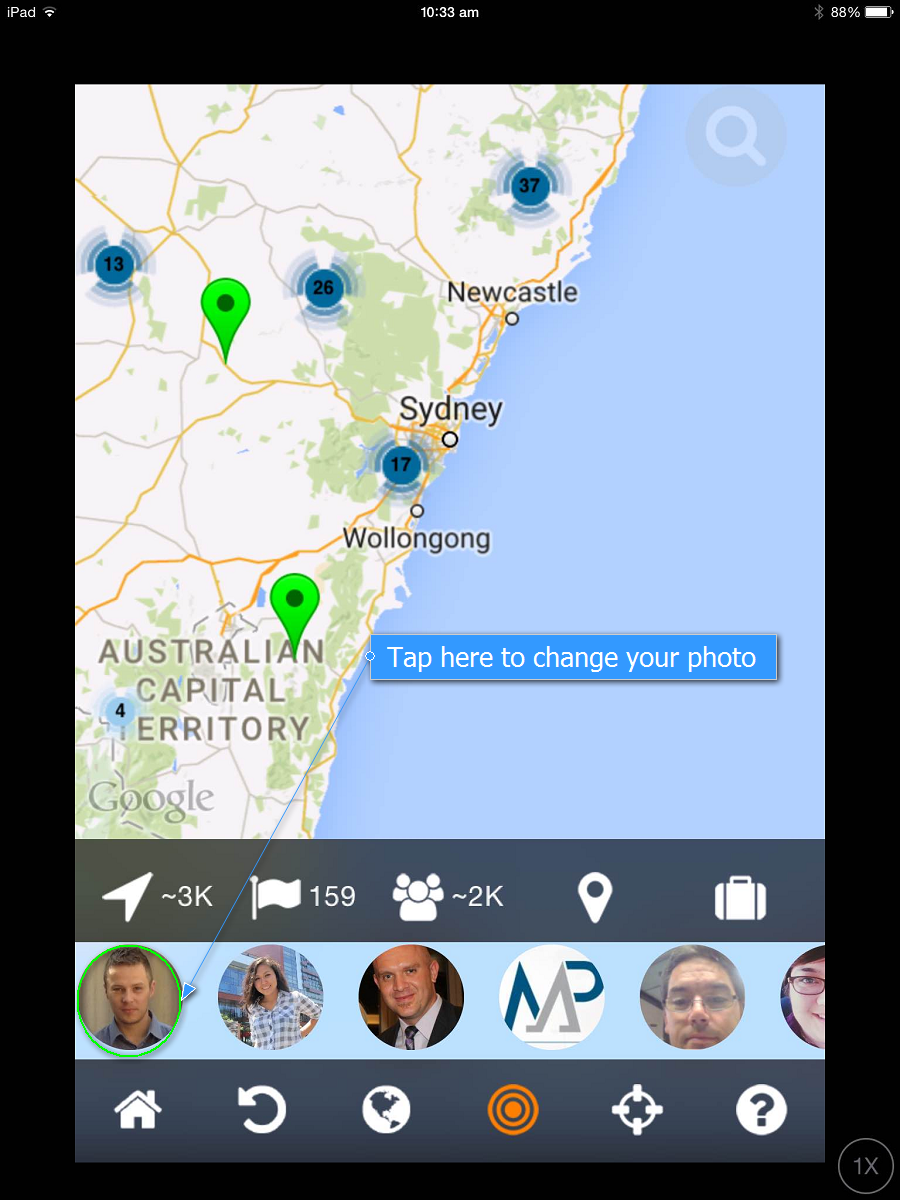
Tap on your icon at the bottom left of the screen.
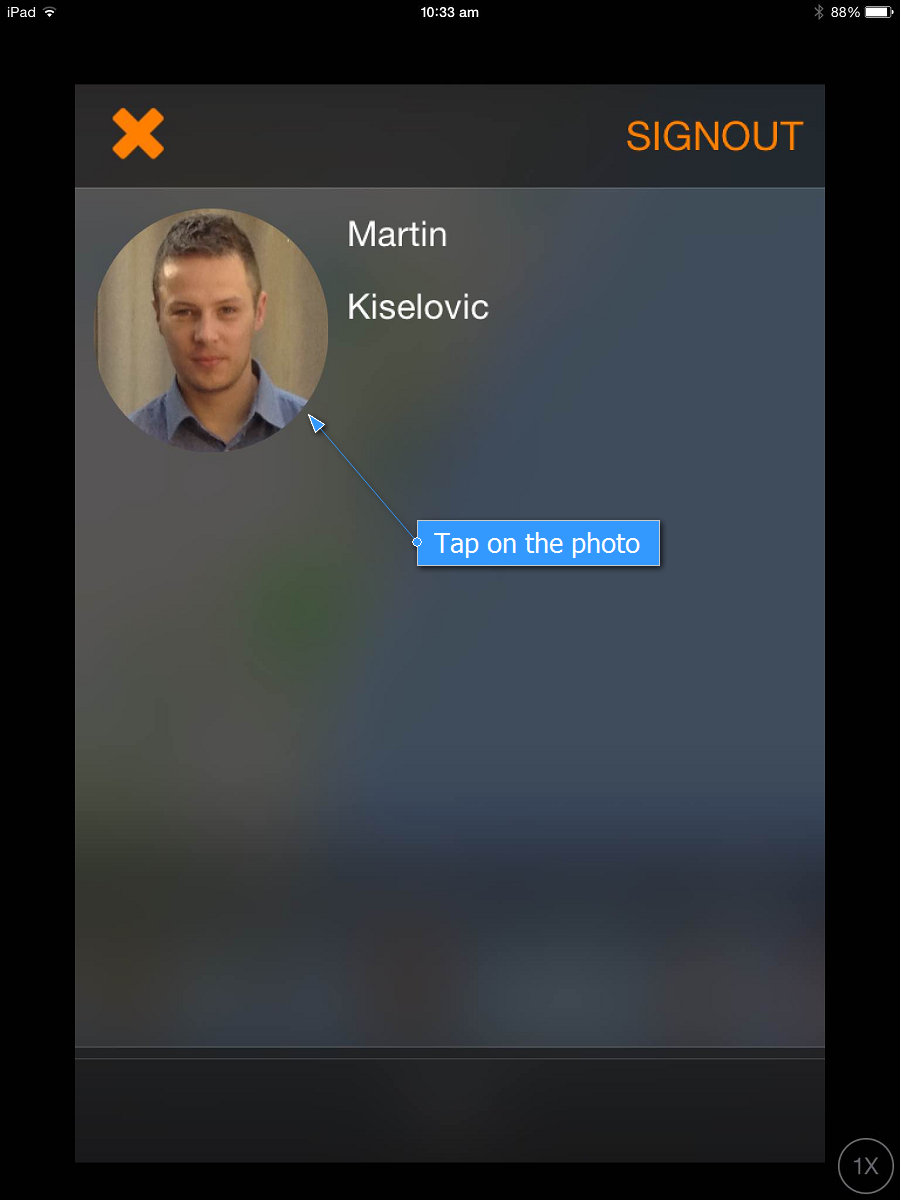
Tap on your actual photo.
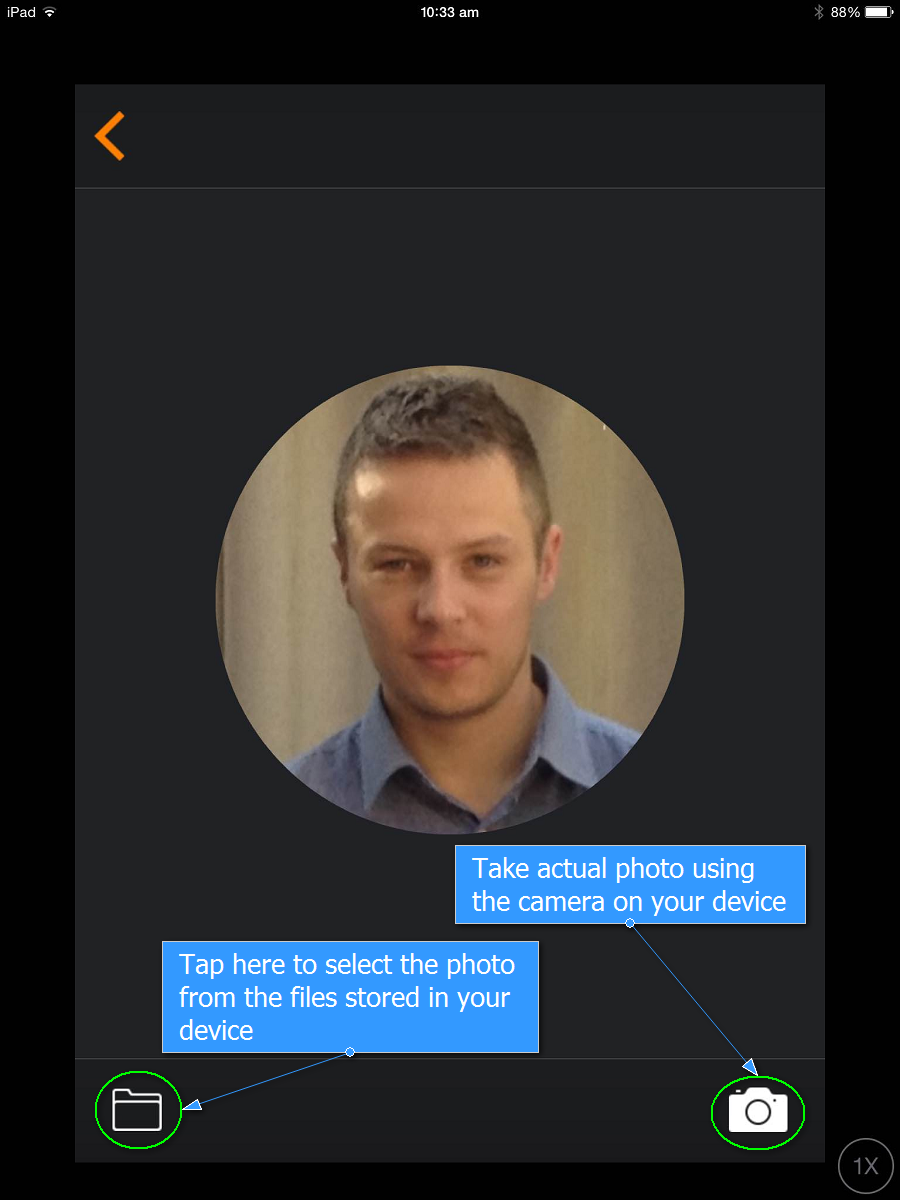
Tap the folder icon or take an actual photo using the camera.
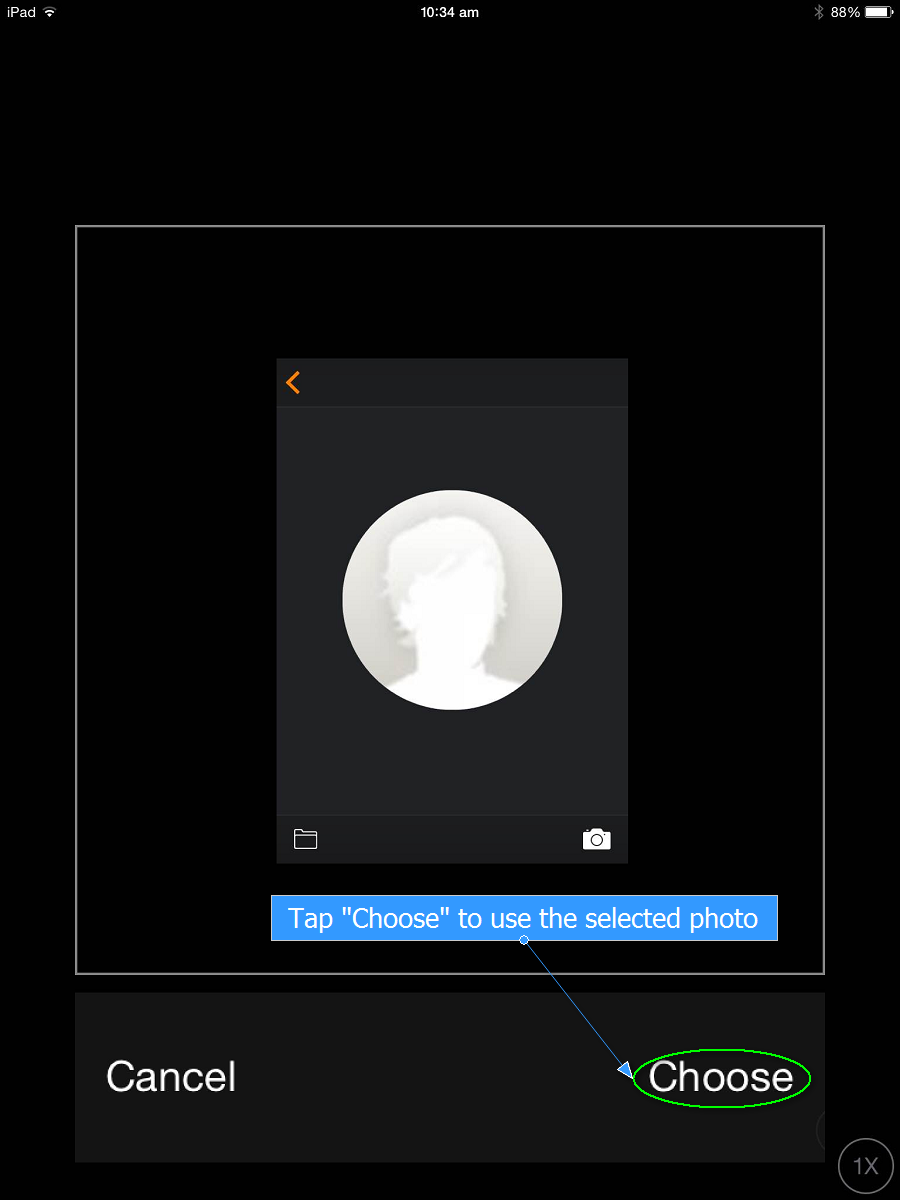
Select the file from the gallery or take a photo using the camera and tap Choose.
Done! You have successfully changed your profile photo!