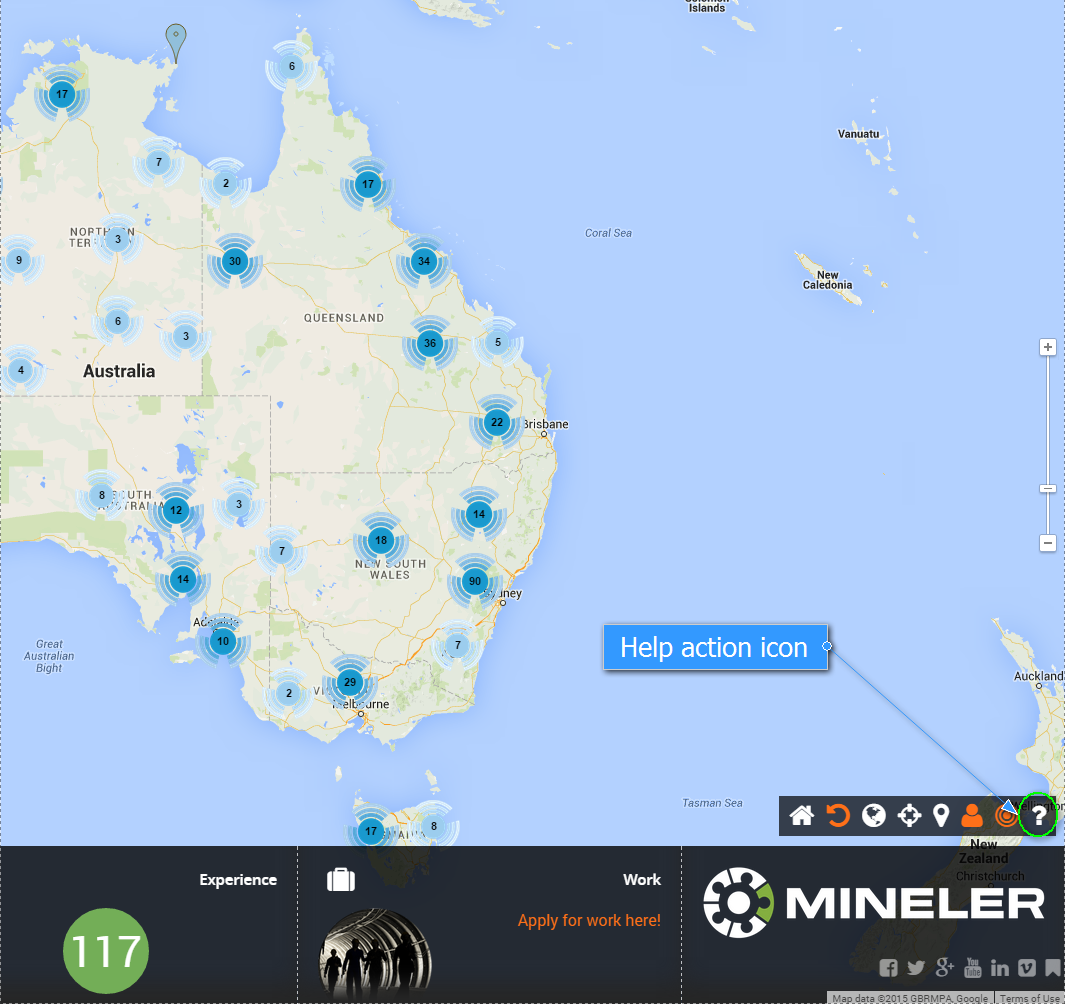
Map Action Icons
While working with the Map you can use the action icons functionalities:
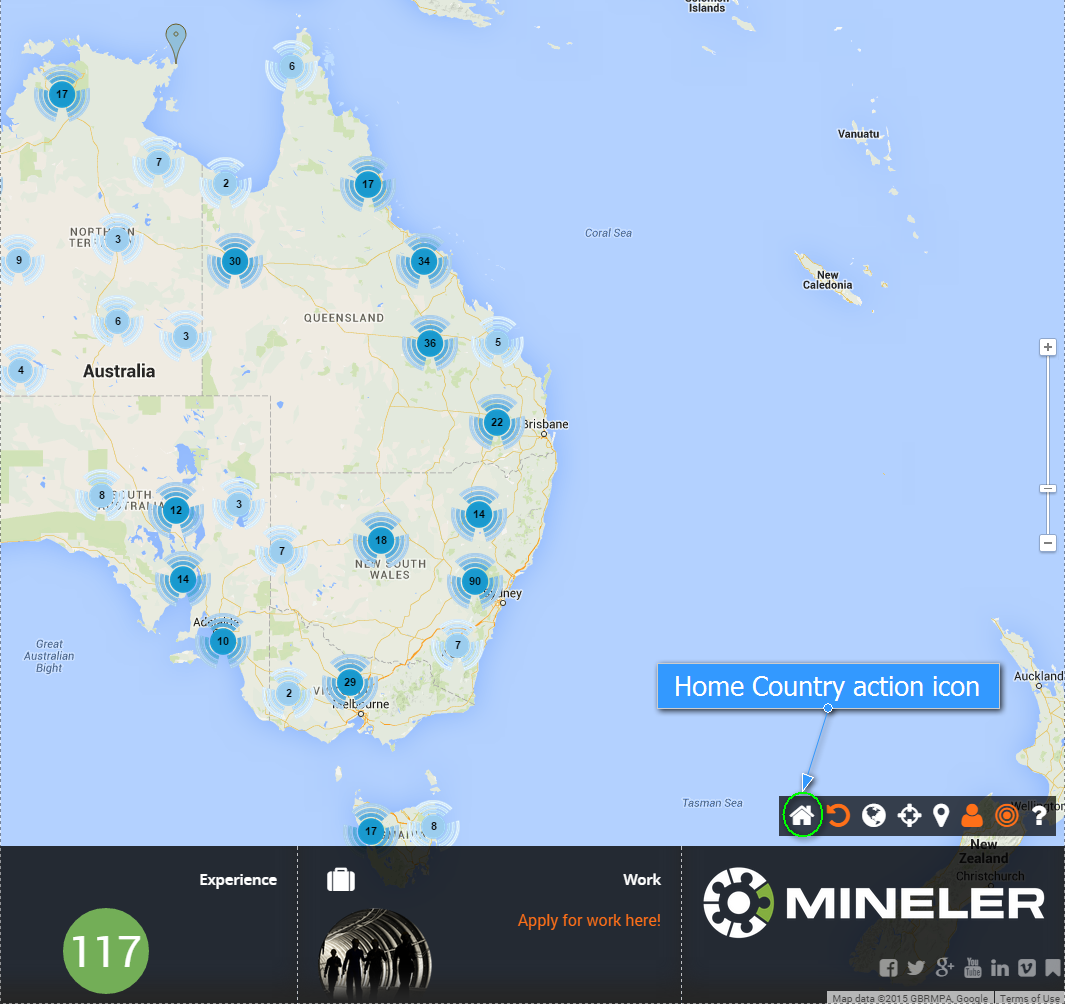
1. Home Country
Clicking on this icon will centre the map to your residence country (same as after signing in).
2. Cancel Filter
This will reset the filter applied to the map (see more here about the search and filtering). Will hide all the pins on the map.

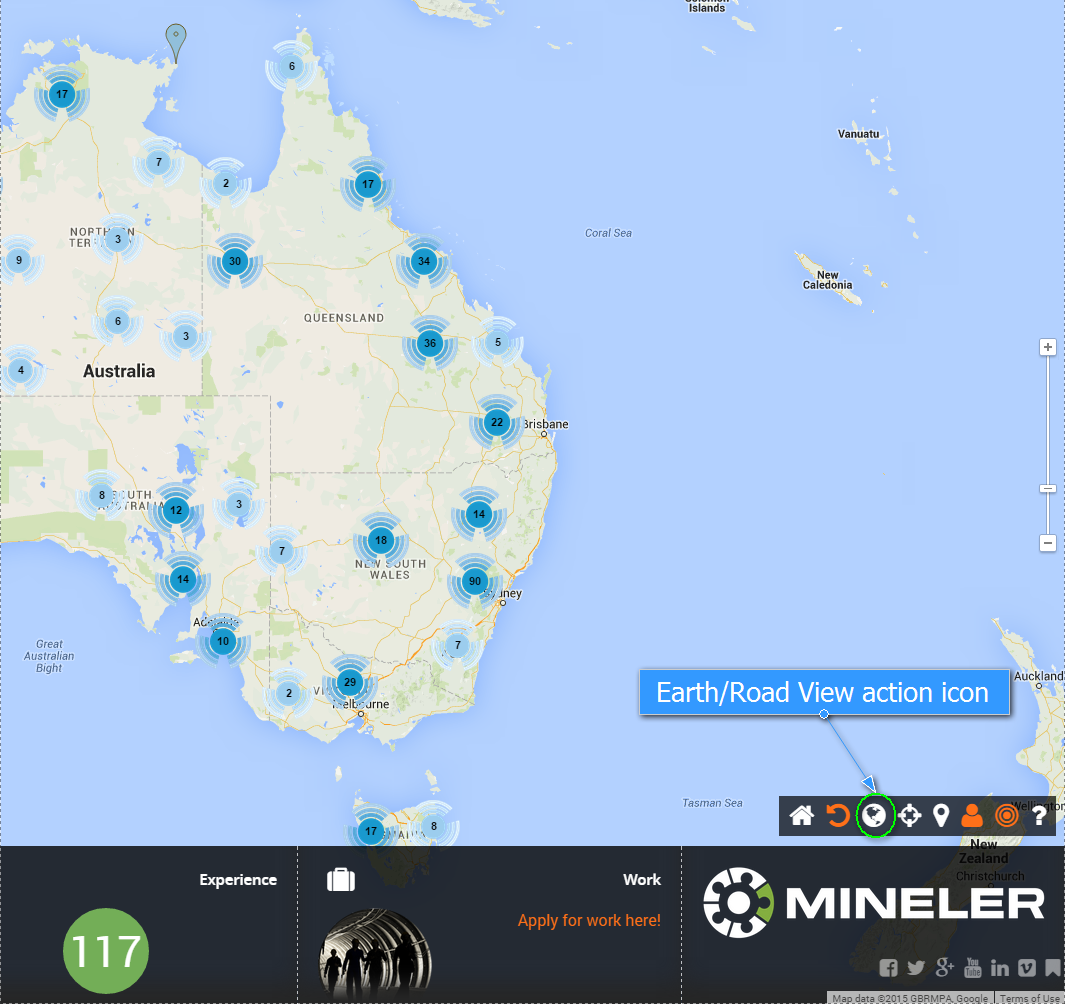
3. Earth/Road View
Functionality that switches the map between the road view and the earth view.
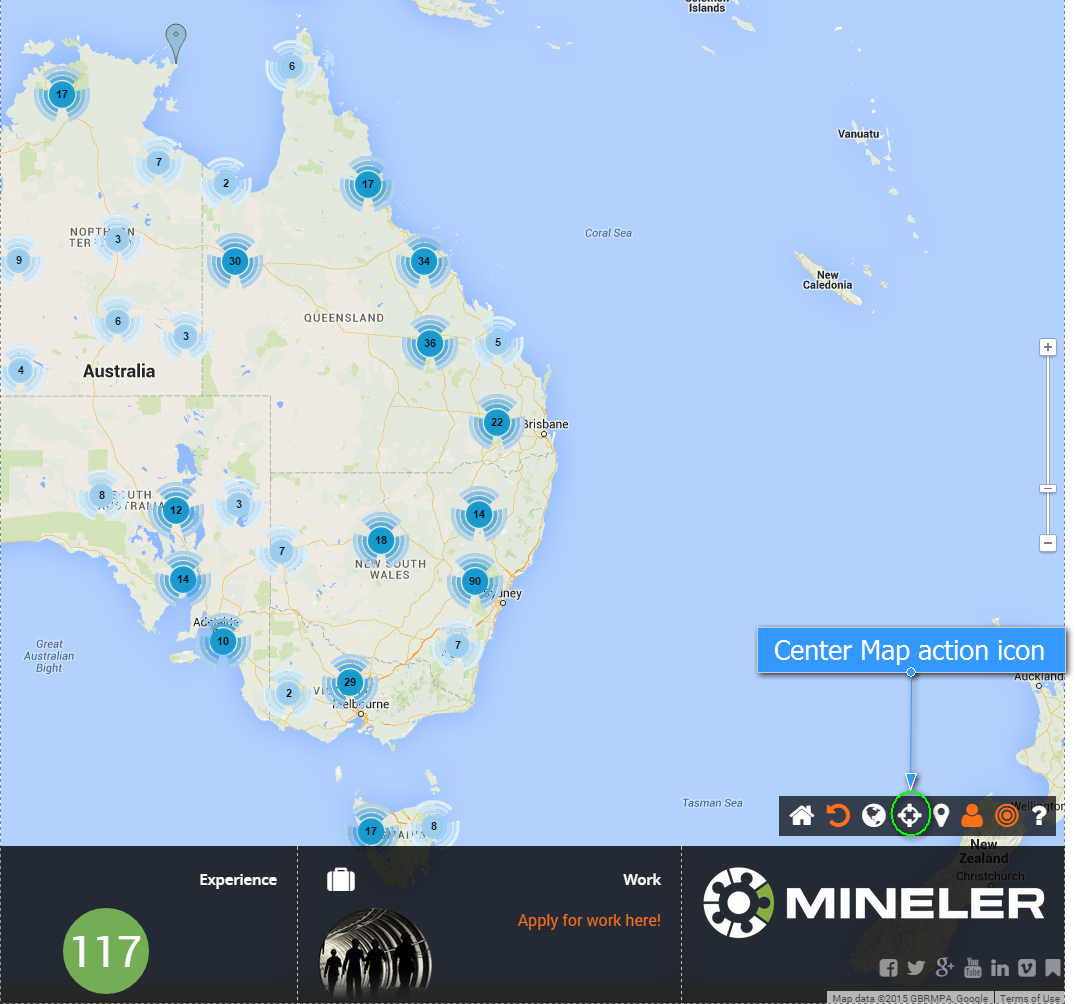
4. Center Map
Clicking on this icon will center the map to the country selected in filtering (see more here about the search and filtering).
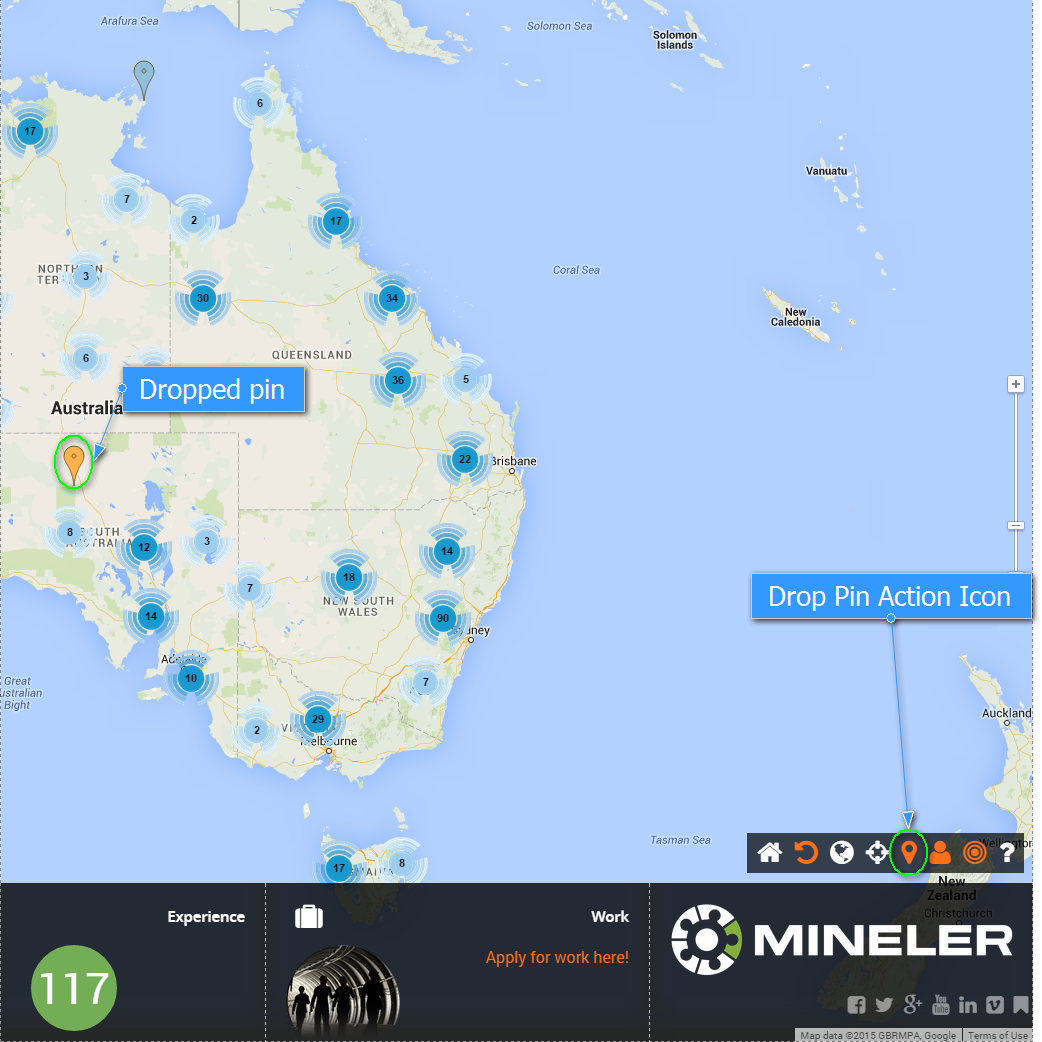
5. Drop Pin
Use this icon to drop your private pin for editing in the centre of the screen.
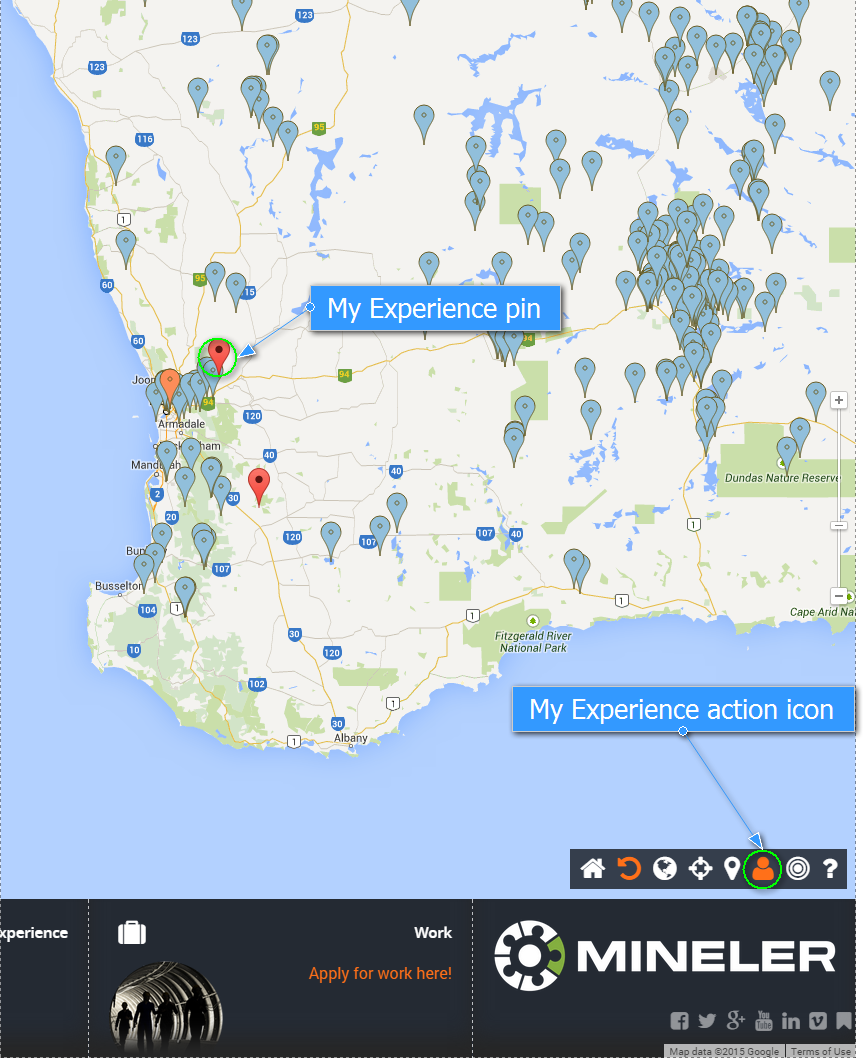
6. My Experience On/Off
Displays or hides your experience (red pins) on the map.
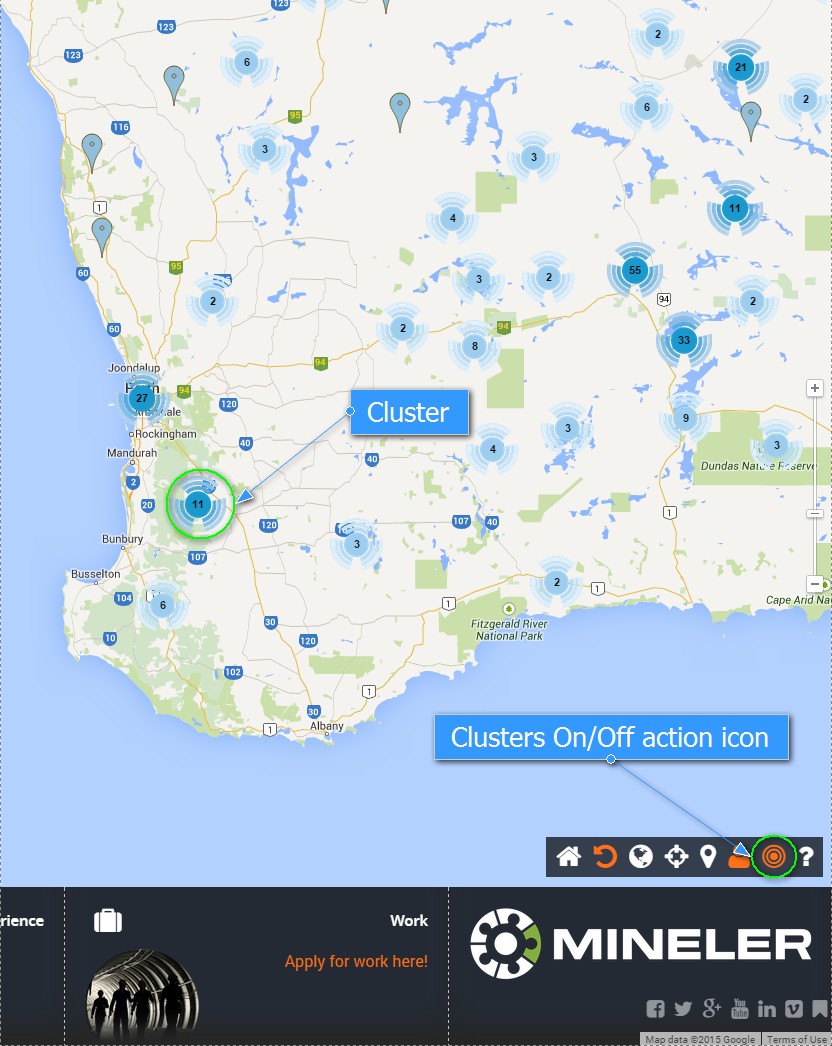
7. Clusters On/Off
Enables or disables the grouping of the pins into the clusters.
7. Help
Opens help section for the Mineler.